
Action Cam Essentials

Action Cam Essentials
for Final Cut Pro

Regular price $20.00
/
  • 30-day money-back guarantee
  • Pay once, yours forever
  • Install on up to 5 Macs
  • Pay with Apple Pay

Buy one, get one free on every plugin

Want every plugin?

80+ plugins for $80, about $1 each, and this one's included.

Upgrade to the MEGA BUNDLE

Action Cam Essentials removes GoPro fisheye, stretches 4:3 footage to fill 16:9, adds letterbox bars and grades action camera footage in Final Cut Pro.

Fisheye removal, dynamic stretching, letterboxing, color grade presets and vignetting are all built in.

Works with the current versions of Final Cut Pro and macOS, on Intel Macs and natively on Apple silicon. Pay once, yours forever; past customers get updates. Every order has a 30-day money-back guarantee.

Action Cam Essentials is also one of the 80+ plugins in the MEGA BUNDLE, a $1,600+ value, for $80.

BUY ONE, GET ONE FREE

Every second plugin is free, applied automatically at checkout.


DemoAction Cam Essentials in action
Extended demoThe full Action Cam Essentials demo

GoPro fisheye fix for Final Cut Pro

Overview

Action Cam Essentials is a Final Cut Pro plugin for GoPro and other action camera footage. Remove fisheye distortion, fill a 16:9 frame with 4:3 footage, add letterbox bars and grade the color, all in one place.

Shoot with your camera's full 4:3 sensor to capture more of the scene, then stretch just the sides to fit a widescreen project while your subject stays untouched.

Features
  • Fisheye removal: an automatic mode that also scales the clip to fill the screen, or manual amount and scale controls.
  • Dynamic stretching: widen the sides of 4:3 footage for 16:9 while a protection zone in the middle stays as shot.
  • Letterboxing: preset or custom letterbox bars, with your choice of color for each bar.
  • Color and levels: over 20 color grade presets, plus gamma, exposure, saturation, color balance and sharpening.
  • Vignetting: darken, blur or change the saturation of the edges, with on-screen size, falloff and center controls.
How to use
  1. In the Titles browser sidebar, click My FCPeffects (show the sidebar if it's hidden).
  2. Drag a preset above your clips, and trim it to match their length. Start with Custom to build your own settings.
  3. Select it and open the Title tab in the Inspector.
  4. Use Automatic.Removal to remove the fisheye, or turn on Enable.Manual.Fisheye for manual control.
  5. For 4:3 footage in a 16:9 project, turn on Enable.Side.Adjustment and widen the sides with Adjust.Width.Left and Adjust.Width.Right.
Requirements
  • It's in the Titles browser, not the Effects browser. Place it above your footage.
  • Final Cut Pro 10.0.6 or later
  • Works with the current versions of macOS and Final Cut Pro
  • Runs on Intel Macs and natively on Apple silicon (M1 and later)
  • No Apple Motion needed
  • Works with every resolution Final Cut Pro supports, including 4K and 8K
  • Install on up to 5 of your Macs
FAQ

Can I use 4:3 footage in a 16:9 project?

Yes. Side Adjustment stretches the sides to fill the frame, while the protection zone in the middle isn't stretched.

Why is it a title and not an effect?

So one copy can cover several clips at once, including full-sensor 4:3 clips in a 16:9 project.

Which preset should I use?

The presets have the same controls, set up for different camera modes. Pick Custom to start from scratch.

Does it work with action cameras other than GoPro?

Yes. It is for GoPro and other action camera footage with fisheye distortion.

Is Action Cam Essentials part of the MEGA BUNDLE?

Yes. It's one of the 80+ plugins in the MEGA BUNDLE, a $1,600+ value, for $80.

Is there a deal on individual plugins?

Yes. Buy one, get one free on every plugin, applied automatically.

How do I install it?

It's an instant download. Double-click the included installer (the .app file), then restart Final Cut Pro.

What if it isn't right for my project?

Every order is covered by our 30-day money-back guarantee.

Action Cam Essentials

$20 · Instant download · 30-day money-back guarantee

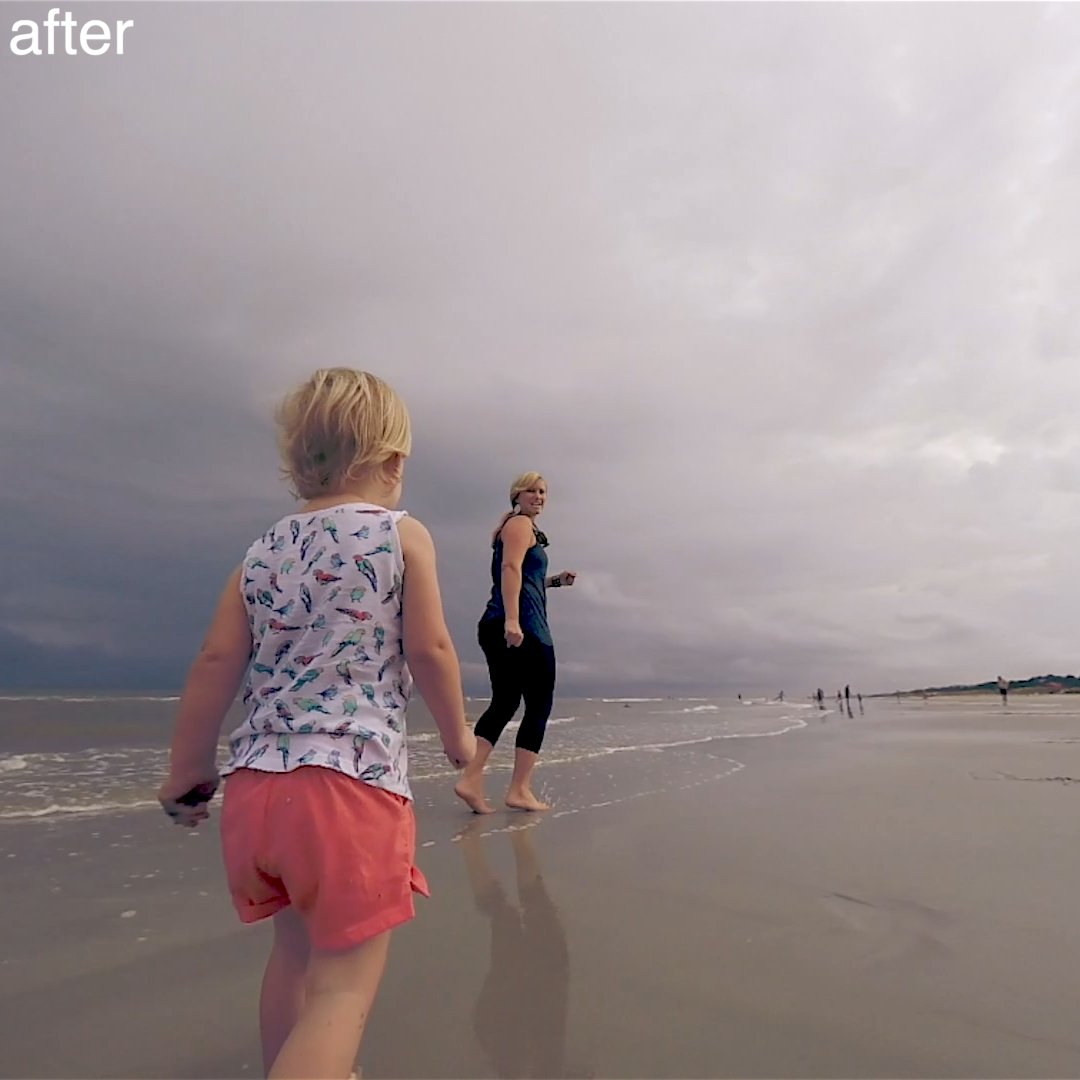
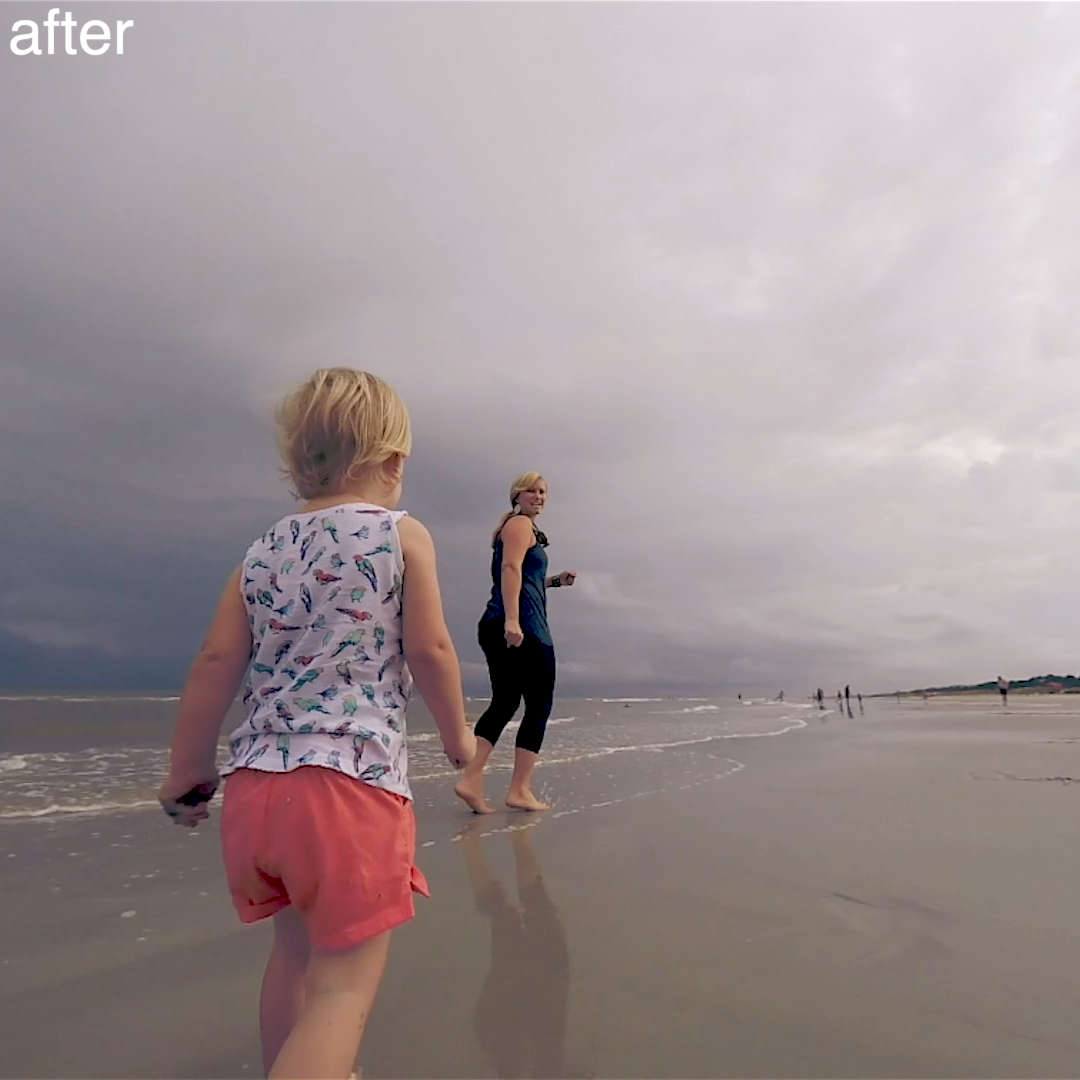
Before and after

Split view: fisheye removed
Split view: straight lines
Split view: 4:3 filled to 16:9
Before: fisheye distortion
After: lines straightened
Removing fisheye in Final Cut Pro
30-day money-back guarantee Not happy? Just contact us for a full refund.
Secure checkout · Instant downloadApple Pay Shop Pay PayPalVisa Mastercard American Express Google Pay Amazon Diners ClubDiscover

Save more

Buy one, get one free

Every second plugin is free, applied automatically at checkout.

Browse all plugins

The MEGA BUNDLE

All 80+ plugins, one price. A $1,600+ value.

Get the MEGA BUNDLE · $80

BUY ONE, GET ONE FREE

Every second plugin is free, applied automatically at checkout.


Skin Smoother
Skin Smoother
White Balance Plugin
Ken Burns Plugin
Ken Burns Plugin
Screen Splitter 2 split screen layouts
Screen Splitter 2