Cinema Film Grain plugin demo video for Final Cut Pro
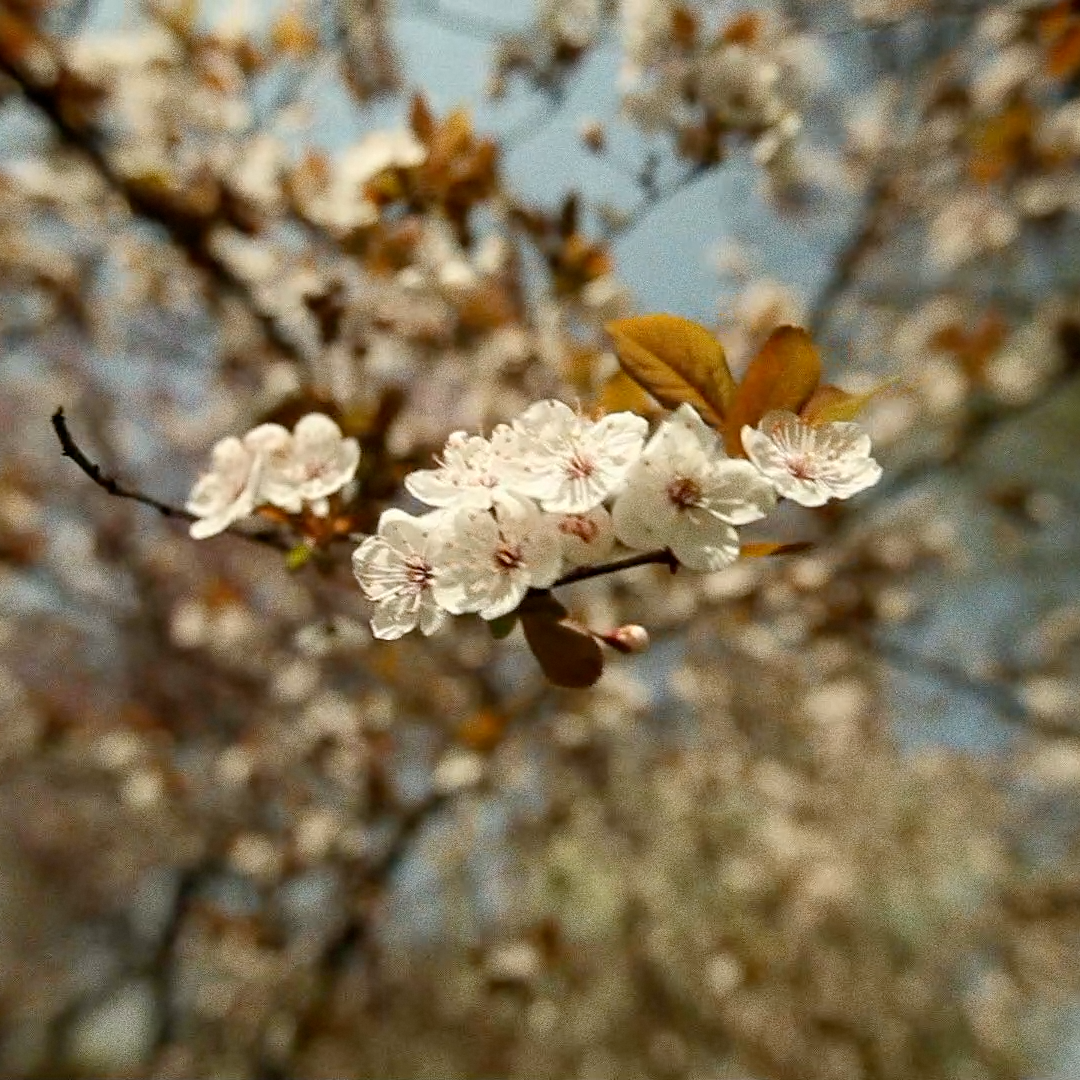
Cinema Film Grain plugin for Final Cut Pro: close-up of white blossoms on a branch with film grain

Cinema Film Grain
for Final Cut Pro

Regular price $20.00
/
Digital download. No shipping.
  • 30-day money-back guarantee
  • Pay once, yours forever
  • Install on up to 5 Macs
  • Pay with Apple Pay

Listed by Apple

FCPeffects appears in Apple's Final Cut Pro developer directory.

View on Apple.com ↗ (opens in a new tab)

Buy one, get one free on every plugin

Want all of our plugins?

All of our plugins (over 80) for $80, about $1 each, and this one's included.

Upgrade to the MEGA BUNDLE

Cinema Film Grain adds real 35mm film grain, from high-quality film scans, to your footage in Final Cut Pro.

Set the grain size with Film Speed (ISO), then adjust contrast, opacity and blend mode. The film scans are included.

Works with the current versions of Final Cut Pro and macOS, on Intel Macs and natively on Apple silicon. Pay once, yours forever; past customers get updates. Every order has a 30-day money-back guarantee.

Cinema Film Grain is also in the MEGA BUNDLE: all of our plugins (over 80), a $1,600+ value, for $80.

BUY ONE, GET ONE FREE

Every second plugin is free, applied automatically at checkout.


DemoCinema Film Grain in action

35mm film grain for Final Cut Pro

Overview

Cinema Film Grain is a Final Cut Pro plugin that adds real 35mm film grain, from high-quality film scans, to your digital footage.

Film Speed (ISO) sets the size of the grain: the higher the value, the bigger the grain. Contrast makes the grain more intense and Opacity makes it more subtle.

Blend Mode changes how the grain mixes with your footage. Overlay usually gives the best results.

The film scans are included with your download, so you can also use them in other editing apps that support compositing.

Features
  • Real 35mm grain: built from high-quality scans of film grain.
  • Film Speed (ISO): choose the size of the grain.
  • Contrast and Opacity: make the grain stronger or more subtle.
  • Blend Mode: try different modes. Overlay usually looks best.
  • Auto Scale: removes a thin line that can appear around the edge of clips on some Macs.
  • Film scans included: use them in any editing app that supports compositing.
How to use
  1. In the Effects browser sidebar, click My FCPeffects (show the sidebar if it is hidden).
  2. Drag Cinema Film Grain onto your clip.
  3. Set Film Speed (ISO) for the size of grain you want.
  4. Adjust Contrast and Opacity to get the right strength.
  5. Leave Blend Mode on Overlay, or try other modes.
Requirements
  • Works with all versions of Final Cut Pro from the last 5+ years, including Final Cut Pro 11 and the current Final Cut Pro 12
  • Works with the current versions of macOS
  • Runs on Intel Macs and natively on Apple silicon (M1 and later)
  • No Apple Motion needed
  • Works with every resolution Final Cut Pro supports, including 4K and 8K
  • Install on any Mac you own that’s signed in to the same Apple account (Apple allows up to 5 Macs)
FAQ

Is it real film grain?

Yes. The grain comes from high-quality 35mm film scans.

How do I make the grain bigger or smaller?

Use Film Speed (ISO). Higher values give bigger grain.

Can I use the grain in other apps?

Yes. The film scans are included, so you can use them in any editing app that supports compositing.

There is a white line around my clip. How do I fix it?

Turn on Auto Scale. It resizes the clip slightly to remove the line.

Is Cinema Film Grain part of the MEGA BUNDLE?

Yes. It's in the MEGA BUNDLE: all of our plugins (over 80), a $1,600+ value, for $80.

Is there a deal on individual plugins?

Yes. Buy one, get one free on every plugin, applied automatically.

How do I install it?

Instant download. Just double-click the installer. It only takes a couple minutes.

What if it isn't right for my project?

Every order is covered by our 30-day money-back guarantee.

Cinema Film Grain

$20 · Instant download · 30-day money-back guarantee

Film grain looks

Before and after
Grain on a close-up
Blossoms with fine film grain
Nature shot with grain
Wildlife with a film look

30-day money-back guarantee

Not happy? Just contact us for a full refund.

Instant downloadSecure checkout

Cinema Film Grain

35mm film grain for Final Cut Pro. Instant download.

Apple Pay Shop Pay PayPalVisa Mastercard American Express Google Pay Amazon Discover

BUY ONE, GET ONE FREE

Every second plugin is free, applied automatically at checkout.