Attention Grabber plugin demo video for Final Cut Pro
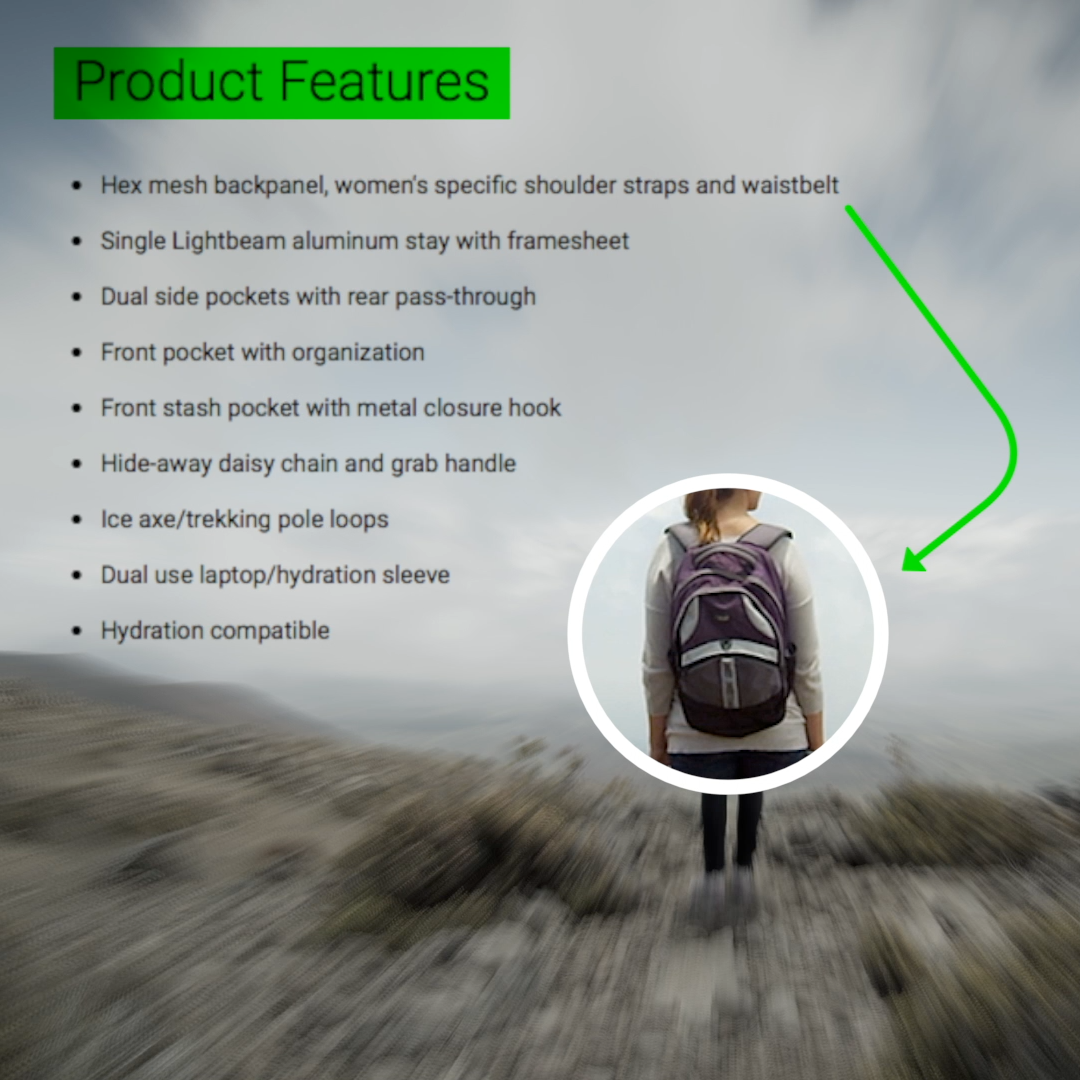
Attention Grabber for Final Cut Pro: person with a backpack circled and a green arrow pointing to a list of product features

Attention Grabber
for Final Cut Pro

Regular price $20.00
/
Digital download. No shipping.
  • 30-day money-back guarantee
  • Pay once, yours forever
  • Install on up to 5 Macs
  • Pay with Apple Pay

Listed by Apple

FCPeffects appears in Apple's Final Cut Pro developer directory.

View on Apple.com ↗ (opens in a new tab)

Buy one, get one free on every plugin

Want all of our plugins?

All of our plugins (over 80) for $80, about $1 each, and this one's included.

Upgrade to the MEGA BUNDLE

Attention Grabber is a collection of Final Cut Pro titles that make it easy to point viewers to what matters, with highlights, callouts and animated lines.

Highlight text, draw arrows and lines, outline objects, and blur or darken everything else.

Works with the current versions of Final Cut Pro and macOS, on Intel Macs and natively on Apple silicon. Pay once, yours forever; past customers get updates. Every order has a 30-day money-back guarantee.

Attention Grabber is also in the MEGA BUNDLE: all of our plugins (over 80), a $1,600+ value, for $80.

BUY ONE, GET ONE FREE

Every second plugin is free, applied automatically at checkout.


Extended demoThe full Attention Grabber demo
DemoAttention Grabber in action

Highlights, callouts and animated lines for Final Cut Pro

Overview

Attention Grabber is a collection of Final Cut Pro title plugins that make it easy to capture your viewers' attention and point them to exactly what matters.

Highlighter animates highlighter strokes over text, perfect for screenshots of web pages and news articles. Line with Text draws an animated line or arrow with a label. Shape outlines something and isolates it, so you can enlarge it or make it stand out.

Make your subject pop by blurring, darkening or desaturating everything else. Reveal, hide, move, scale and rotate each element, with smooth easing.

The three titles can be used at the same time, and they render fast.

Features
  • Highlighter: animated highlights over text in screenshots of articles and web pages.
  • Line with Text: animated lines and arrows with your own label.
  • Shape: outline an object and isolate it, then enlarge it or make it stand out.
  • Background treatment: blur, darken or desaturate the rest of the frame.
  • Animation controls: reveal and hide wipes, fades, blur in and out, and moves in scale, position and rotation.
  • Drop Zones: bring in the screenshot or clip you want to work on.
How to use
  1. In the Titles browser sidebar, click My FCPeffects, then Attention Grabber (show the sidebar if it is hidden).
  2. Drag Highlighter, Line with Text or Shape into your timeline above your clip.
  3. To freeze the clip underneath while you point something out, park the playhead and press Shift-H, then drag the hold to the length you want.
  4. For the Highlighter, add your screenshot to the Drop.Zone in the Inspector and position the highlight.
  5. Set the reveal, hide and movement controls, and the background blur or darkening.
Requirements
  • Works with all versions of Final Cut Pro from the last 5+ years, including Final Cut Pro 11 and the current Final Cut Pro 12
  • Works with the current versions of macOS
  • Runs on Intel Macs and natively on Apple silicon (M1 and later)
  • No Apple Motion needed
  • Works with every resolution Final Cut Pro supports, including 4K and 8K
  • Install on any Mac you own that’s signed in to the same Apple account (Apple allows up to 5 Macs)
FAQ

Can I highlight text in a news article or web page?

Yes. Bring a screenshot into the Highlighter's Drop Zone and animate highlighter strokes over the text.

Can I use more than one at a time?

Yes. Highlighter, Line with Text and Shape can all be used together.

How do I pause the video while I point something out?

Park the playhead and press Shift-H to add a hold frame, then drag it to the length you need.

Can I add arrows?

Yes. Line with Text draws animated lines and arrows with a label.

Is Attention Grabber part of the MEGA BUNDLE?

Yes. It's in the MEGA BUNDLE: all of our plugins (over 80), a $1,600+ value, for $80.

Is there a deal on individual plugins?

Yes. Buy one, get one free on every plugin, applied automatically.

How do I install it?

Instant download. Just double-click the installer. It only takes a couple minutes.

What if it isn't right for my project?

Every order is covered by our 30-day money-back guarantee.

Attention Grabber

$20 · Instant download · 30-day money-back guarantee

Callout examples

Highlight lines of text
Circle a subject and add a list
Zoom box with a text label
Point out a detail with an arrow
Callout following the subject
Spotlight on one person

30-day money-back guarantee

Not happy? Just contact us for a full refund.

Instant downloadSecure checkout

Attention Grabber

Highlights, callouts and animated lines for Final Cut Pro. Instant download.

Apple Pay Shop Pay PayPalVisa Mastercard American Express Google Pay Amazon Discover

BUY ONE, GET ONE FREE

Every second plugin is free, applied automatically at checkout.